
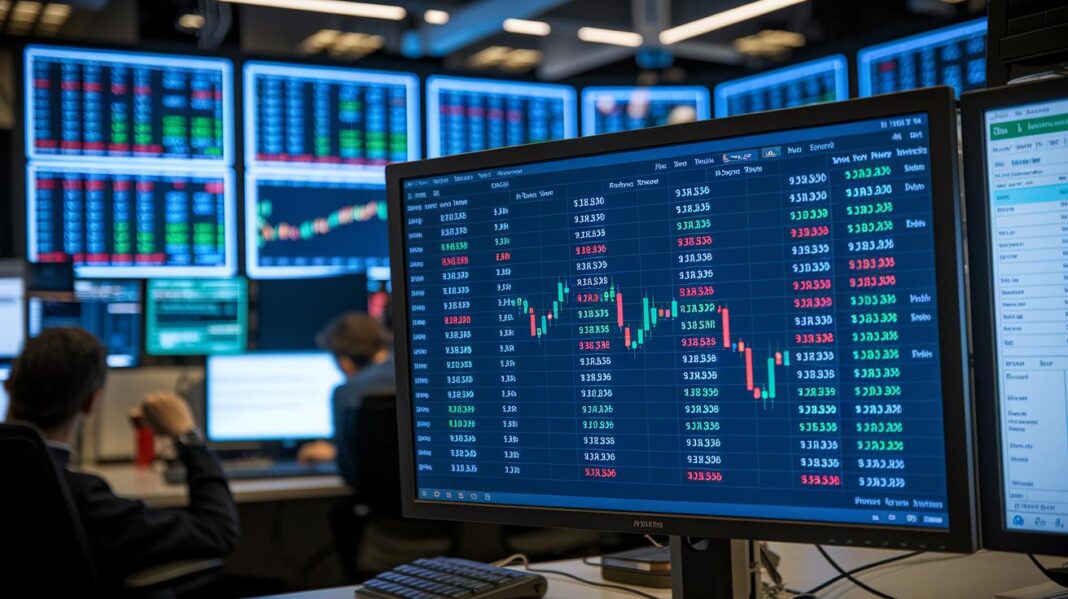
Ever wondered how one simple screen can show you the power behind trading activity? Think of the Depth of Market (DOM) as a live snapshot that displays buyer and seller orders, giving you a clear picture of trading liquidity.
It works like a real-time scorecard, each order offers a tiny clue about where prices might head next. In this post, we’re breaking down how DOM can shine a light on trading liquidity and why these insights might give you a leg up when making your trade decisions. Take a look, and you might find that a quick glance at order sizes can really shape your trade choices.
Understanding Depth of Market: Definition and Core Concepts
DOM is like a live scoreboard for trading. It shows the current buy prices (bids) and sell prices (asks), along with how many orders are waiting at each level. The highest bid is what buyers are willing to pay, and the lowest ask is what sellers will accept. For instance, you might see a big spike in bids at one price, hinting that many buyers are interested.
The order sizes tell you how strong supply and demand are. They’re like a quick glance at your grocery cart, where you see which items are nearly gone and which are in plenty. This makes it easier for traders to spot where prices might find support or hit a ceiling.
DOM gives you a clear snapshot of available trade volume. With this view, traders can better decide when to enter or exit a trade. Say you notice a lot of orders at a certain price – you might wait to buy, expecting the price to hold steady. But if the order book is light, it might signal low liquidity, so caution is needed.
Traders use DOM as a handy guide when reading the order book. By watching the bids and asks, they get real insights into order volumes and liquidity, making it easier to make informed trading decisions.
Depth of Market Components: Order Book Visualization & Price Ladder Insights
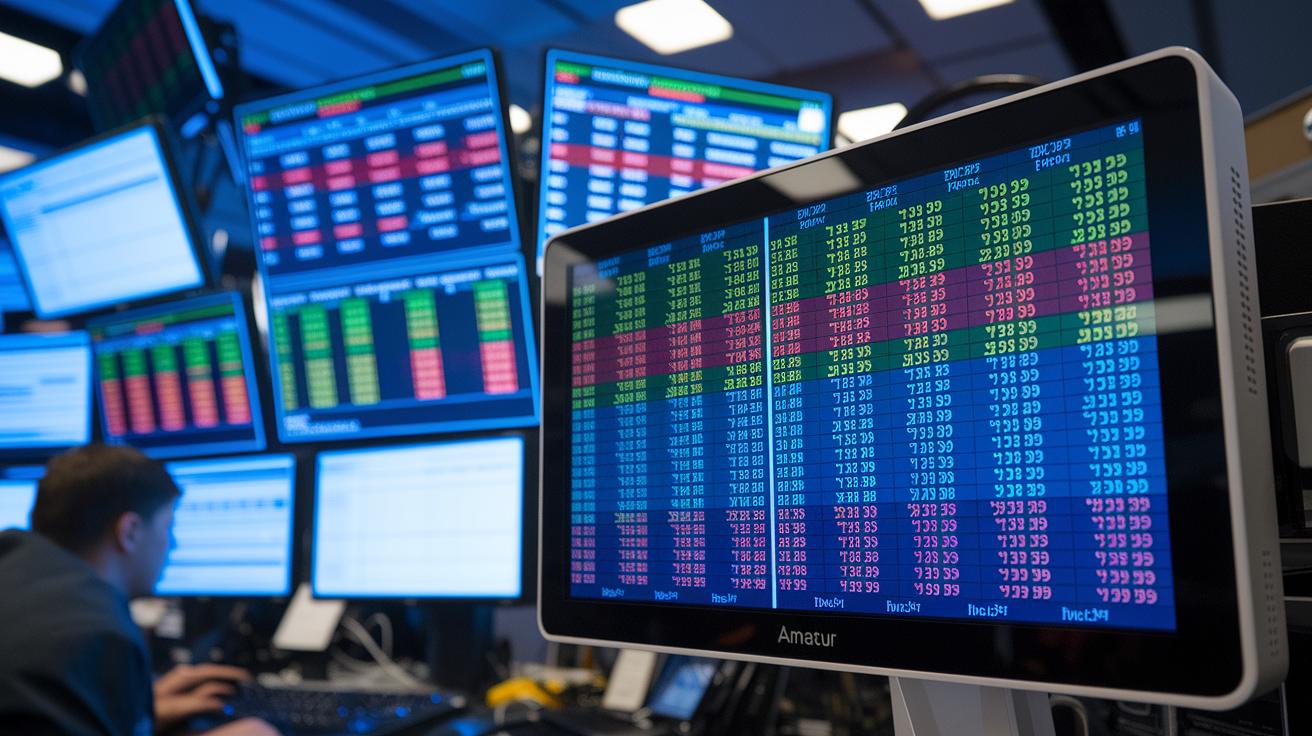
Visualization tools turn raw order book data into a lively price ladder. Each price level shows up in its own column with clear color hints that make it easy to spot where orders cluster, like noticing a bright sale sign on the street. Picture a screen where each step lights up based on order counts, giving you a quick look at where buyers or sellers are most active.
Price ladder tools line up prices with the order sizes next to them. They help you quickly spot big orders that might block price moves. For example, you might see a huge order sitting at $50 and think, “Oh, sellers might be expecting support there.” This tip can help you spot where the market might hold or push back.
Depth charts add another clear view by showing the total amounts of bids and asks across price ranges. They act like a simple bar graph, where sudden jumps point to busy trading spots. This visual guide helps you see liquidity walls that back up the strength of market orders.
Live order flow data brings in every new order, cancellation, or trade in real time. You get a clear, up-to-the-minute picture of market buzz. Below is a simple comparison of the main features:
| Component | Insight Provided |
|---|---|
| Order Book Ladders | Color-coded depth levels |
| Price Ladder Tools | Quick look at large resting orders |
| Depth Charts | Cumulative bid and ask volumes |
| Live Order Flow Data | Real-time market activity |
These visual tools uncover liquidity patterns that can give you the confidence to make smart and timely decisions throughout your trading day.
Applying Depth of Market Data to Trading Strategies
Traders use DOM signals to spot levels where heavy clusters of bids or asks create strong support or resistance. Imagine you see a thick group of bids at one price; you might think, “This level could hold up even if prices drop,” much like noticing your favorite snack fully stocked on a shelf, it's a sign of solid demand at that price.
Scalpers quickly act on tiny shifts in order flows for fast profits. They watch for sudden changes in the DOM, like a big order popping in or out, much as you might spot a flash sale at your local store. This quick reaction helps them capture opportunities before the market adjusts.
Day traders mix live DOM data with chart indicators to decide when to jump in or out of trades. For instance, if the DOM shows ask orders weakening right as a chart signals a breakout, a trader may take that as a cue to act. Using these DOM clues can boost their confidence in timing moves in an unpredictable market.
Key techniques include:
| Technique | What It Does |
|---|---|
| Monitoring order imbalances | Avoids big trades when there’s low liquidity |
| Using bid/ask clusters | Helps set clearer entry and exit points |
| Combining DOM data with charts | Verifies potential breakouts or reversals |
These strategies not only help traders catch quick moves in the market but also manage risks better. For example, if the order book suddenly thins out, scalpers might step back to reduce the risk of price slippage during busy trading times.
Depth of Market: Clear Trading Liquidity

Major trading platforms like ATAS, NinjaTrader, and MetaTrader come with built-in order book displays that show you live trading details. They let you see real-time liquidity so you can quickly check buyer and seller sizes. Imagine glancing at your dashboard and spotting clusters of orders, much like scanning your favorite store on a busy day.
Another handy feature is chart integration. This tool blends order book data with price graphs, turning raw numbers into easy-to-read heatmaps. For example, you might notice a bright area on the chart and think, “That’s a level to watch.” It’s as easy as checking a weather map before you head out.
Standalone desktop apps offer extra tools like advanced filters, alerts, and key statistics that focus on order books. These help you set up a custom view to catch liquidity changes fast and without any guesswork.
Mobile apps also bring trading liquidity right to your fingertips. They usually display the top 5–10 price levels, offering essential details for traders who need market insights while on the go.
| Platform Type | Main Feature |
|---|---|
| Desktop Platforms | Customizable order book views and advanced filters |
| Chart Integration | Order flow heatmaps overlaid on price charts |
| Mobile Apps | Quick snapshots of top price levels for on-the-go trading |
Advanced Depth of Market Techniques & Limitations
Techniques like footprint charts and volume delta let you see exactly what trades happened at each price level. Footprint charts, for example, show the actual volume traded at a price, much like a receipt that confirms every detail of the trade.
Liquidity breakdown studies help you understand how big orders affect the market. When a large order hits, it can move prices up or down, causing slippage. It’s a bit like a sudden gust of wind knocking over dominoes, each trade influences the overall market mood.
Microstructure studies take a closer look inside trading systems. They focus on how algorithms match orders and how even tiny delays in processing can change what appears in your order book. Think of it like a race where a split-second can make all the difference.
But these advanced techniques come with their own challenges. The flood of detailed data can easily overwhelm new traders, making it tough to spot true market signals among all the noise. There’s also a risk of manipulation. Sometimes, traders place orders they never intend to keep, a trick called spoofing, which hides the real supply and demand. This problem becomes even more clear in markets with less activity or in over-the-counter trading.
| Technique | Insight / Risk Addressed |
|---|---|
| Footprint Charts | Shows the actual trade volume at a given price |
| Volume Delta | Highlights differences in the size of trades |
| Liquidity Breakdown | Illustrates market impact and price slippage |
| Microstructure Studies | Reveals how algorithms and delays affect order matching |
| Spoofing Awareness | Detects fake orders that can mask true market demand |
Final Words
In the action, we've seen how depth of market gives you real-time insights by showing live bid and ask prices, order sizes, and liquidity details. We've covered practical ways to use order book visuals, build trading strategies, and choose the right platform for your needs.
This recap reminds us that clear market data, when understood well, can boost your confidence and help refine your investment decisions. Keep exploring and enjoy smarter, safer trading.
FAQ
Q: What is Depth of Market (DOM) and how do different platforms like TradingView or MT5 display it?
A: The DOM displays live bid and ask prices with order sizes. Platforms like TradingView and MT5 show this data through charts, indicators, or even PDFs, making order book insights clear and accessible.
Q: What is the 3 5 7 rule in trading?
A: The 3 5 7 rule in trading offers a guideline where traders look at three key price levels, monitor five price steps, and use seven as a reference threshold to balance risk and reward, though definitions may vary.
Q: How can traders use Depth of Market in trading?
A: Traders use DOM by watching live order flow data to spot liquidity walls and significant bid and ask clusters, helping identify potential entry and exit points to improve trade timing.
Q: What does real-time Depth of Market mean and is market depth a good indicator?
A: Real-time DOM offers instant updates on the order book, revealing current market liquidity. It serves as a useful indicator when combined with other analysis tools to better assess support and resistance.